
Imagine opening a long return policy in your browser and asking for a plain-English summary. In the familiar cloud setup, the text travels to a server, gets processed, and comes back. A different approach is gaining ground: some of that work can happen inside the browser itself, using a model stored on your computer. The page still looks like a normal website, but the trip across the internet can disappear.
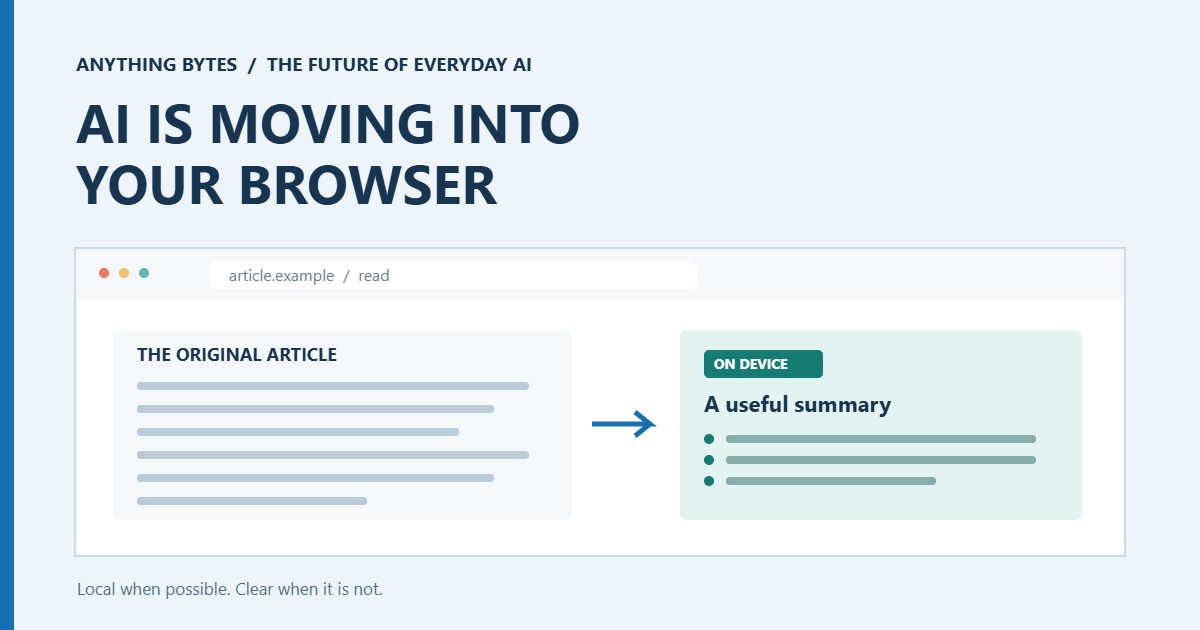
Your browser can do more than display the answer
Chrome is developing built-in AI APIs for focused tasks such as translation, language detection, summarization, and writing assistance. Instead of every website shipping its own model, the browser can manage the download and give supported sites access to local processing. Availability varies by API and device, so this is not a promise that every feature works in every browser today.
This is already more than a lab demo. In an October 2026 Chrome case study, Yahoo Taiwan Ecommerce described using on-device AI to help sellers prepare auction listings. The case study reports that average listing time fell from 20 minutes to two. That is a result from one product, not a universal speed guarantee, but it shows what a small, well-placed AI task can accomplish.
The move is not limited to the web. Apple also offers developers access to foundation models through a framework that supports on-device processing and Private Cloud Compute. Those are different processing paths. Calling a feature “AI on your device” does not mean every request or every product feature stays there.
What changes for you?
Less unnecessary uploading. A genuinely local summarizer can process text without sending that particular task to a remote model. That can be useful when you are sorting personal notes or working with a draft you would rather keep close. Still, a local model is not a privacy policy. The website itself may collect form entries, analytics, or generated output, so check what the service says it transmits.
Fewer network round trips. For short tasks, local processing can feel more immediate, particularly on an unreliable connection. Some features can keep working offline after their models have been downloaded. The first download still needs a connection and free storage, and actual performance depends on the device.
More useful help in ordinary places. A product page could summarize a wall of reviews, a message box could suggest clearer phrasing, or a multilingual site could translate text where you are reading it. The interesting part is not a new chatbot window. It is assistance appearing at the moment a task becomes tedious.
The fine print behind “local AI”
Local models have limits. Chrome says its built-in AI APIs are at different stages, including stable releases, origin trials, and early previews. Its current model requirements exclude many mobile devices and place meaningful demands on desktop hardware and storage. A feature that works beautifully on one laptop may be unavailable on another.
Developers may also combine local and cloud processing. A quick translation might stay on your device while a more complex request falls back to a server. That can be a sensible design, but the switch should be visible to users, especially when the input is sensitive. And local output still needs checking: a summary can omit an exception, and a translation can miss the tone that matters.
Three questions worth asking
Does this specific task run locally? Look for a clear description of what is processed on the device and whether a cloud fallback exists. “Supports on-device AI” is not the same as “your current request stayed on-device.”
Does it work after setup without a connection? Trying a feature offline can help you understand its behavior, although offline operation alone does not prove everything about its data practices.
Can you inspect and correct the result? Keep the original text nearby when summarizing, translating, or rewriting anything important. The best assistant makes review easier instead of asking you to surrender it.
A quieter kind of AI shift
The future is unlikely to be entirely local or entirely cloud-based. What matters is having a choice that fits the task: small, frequent jobs close to your data, and heavier work where the extra computing power is justified. The most trustworthy products will say which path they take, when they change it, and what that means for your information.
Further reading: Chrome’s built-in AI overview and device requirements and availability.